You can access the Identity Verification from [User Center] - [Identification] or access it directly from here. You can check your current verification level on the page, which determines the trading limit of your Binance account. To increase your limit, please complete the respective Identity Verification level.
*Please note that this guide is for specific EEA countries' users only. For other countries, please refer to How to Complete Identity Verification.
Identity Verification or Know Your Customer (KYC) standards are designed to protect your account against fraud, corruption, money laundering, and terrorist financing.
All new users are required to complete [Verified] to access Binance products and service offerings, including cryptocurrency deposits, trades, and withdrawals.
Existing users who haven’t completed identity verification will have their account permissions temporarily changed to “Withdraw Only,” with services limited to fund withdrawal, order cancelation, position close, and redemption.
Based on your region or selected payment channels, you may need to enhance your identity verification level to improve your account security. For more details, please refer to Why Do I Need to Complete Identity Verification.
1. Log in to your Binance account and click [Profile] - [Account] - [Identification].
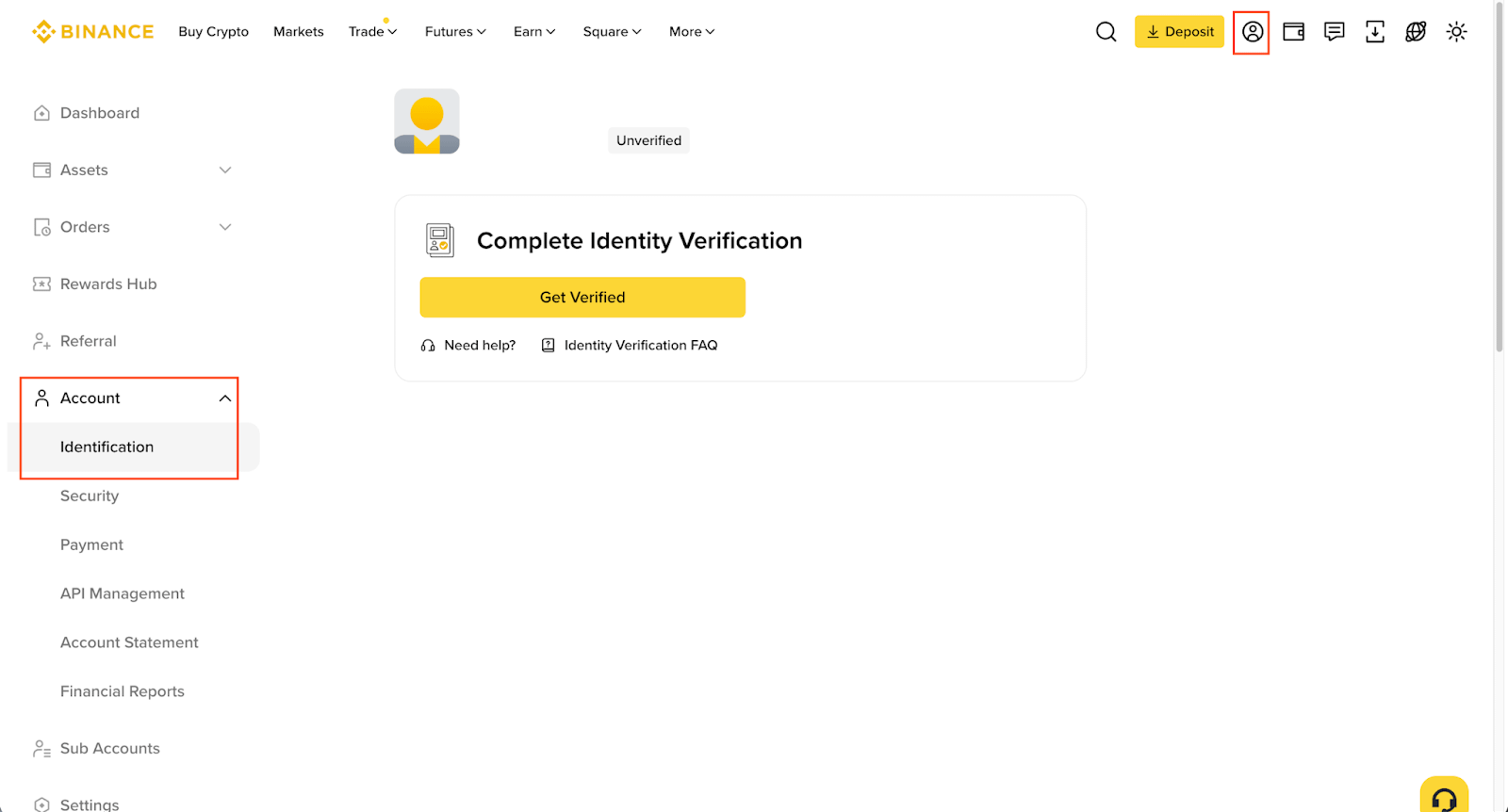
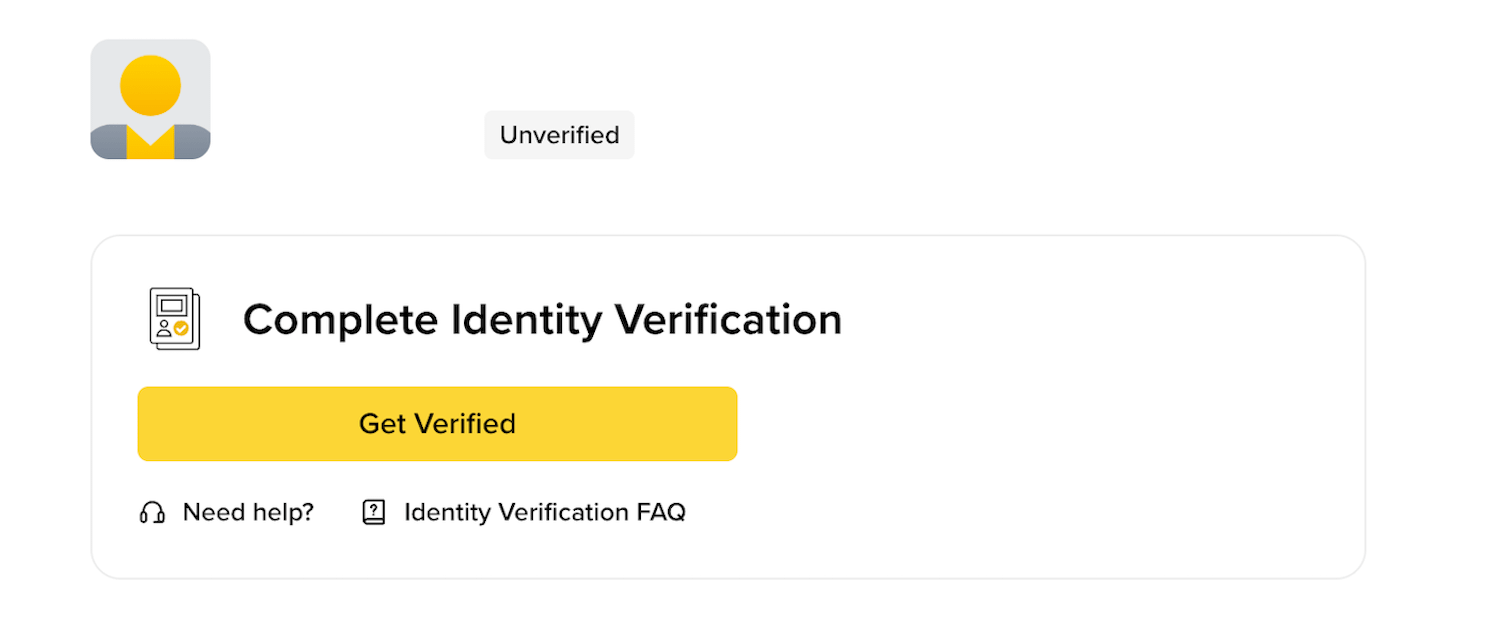
2. Click [Get Verified].
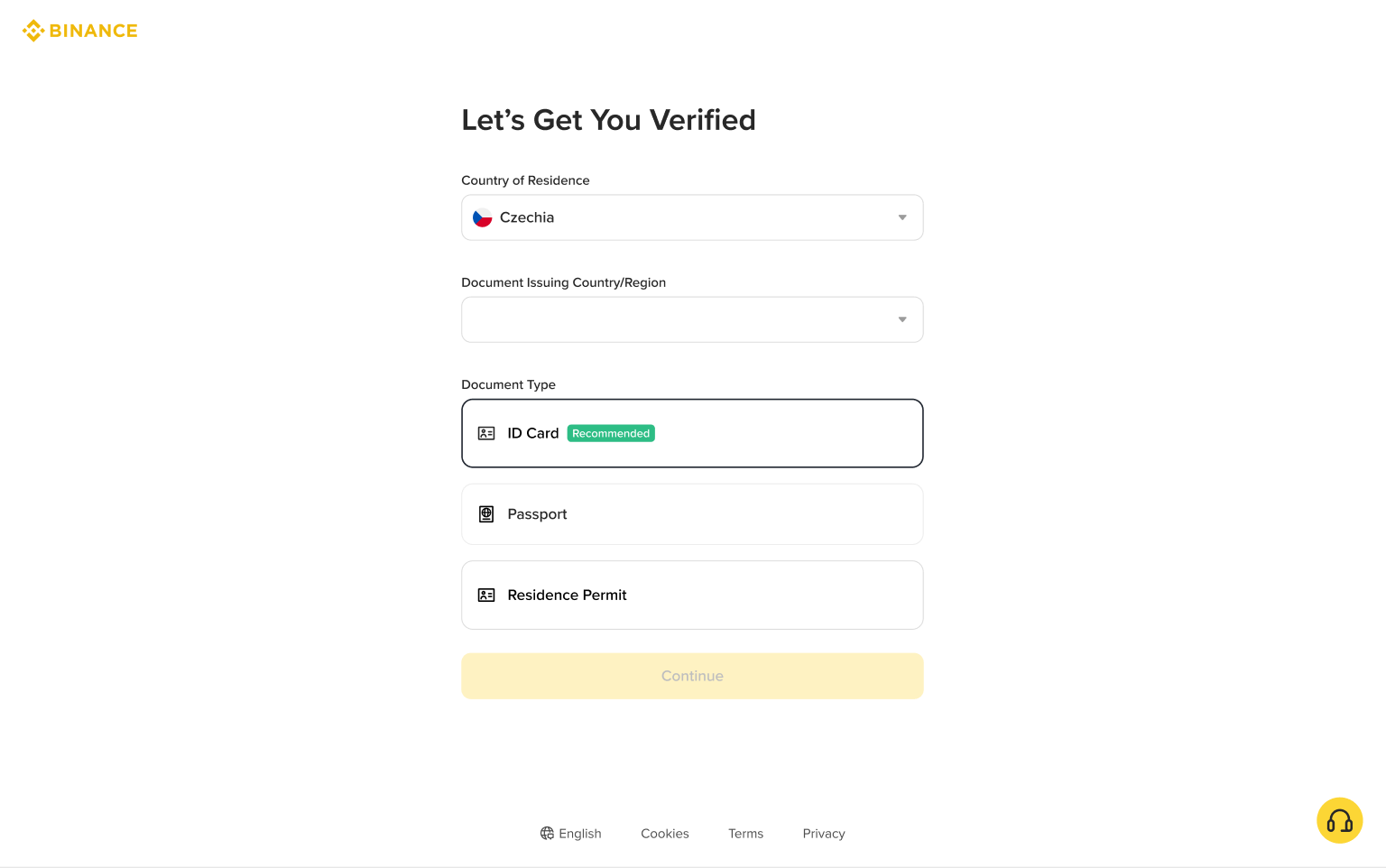
3. Select your Country of Residence, Document Issuing Country/Region and Document Type. Upload document to get verified.
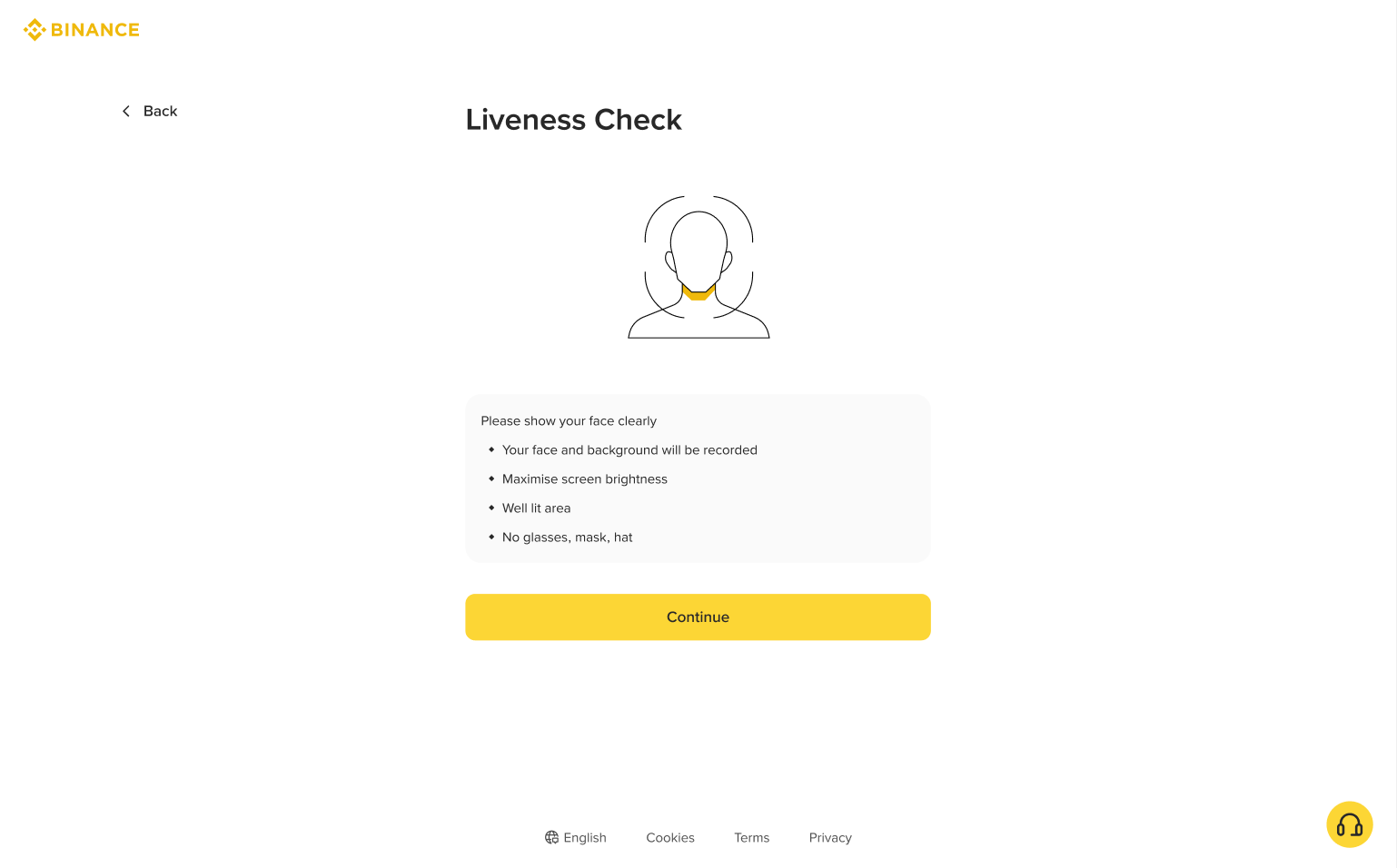
4. Proceed to complete the Liveness Check.
5. Confirm your personal information and click [Continue].
Please make sure that all the information entered is consistent with your ID documents. You won’t be able to change it once confirmed.
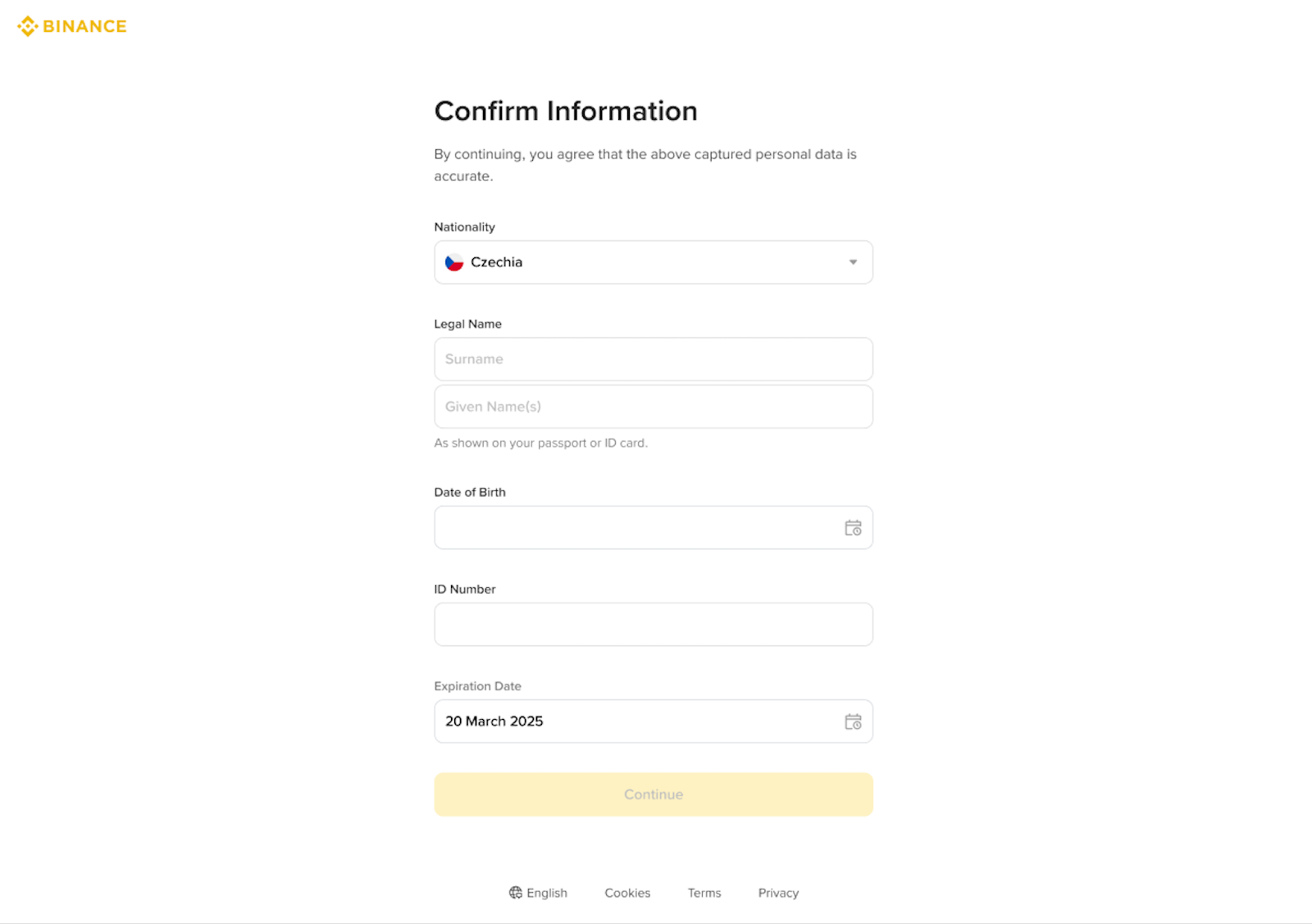
6. Next, fill in your residential address and click [Continue].
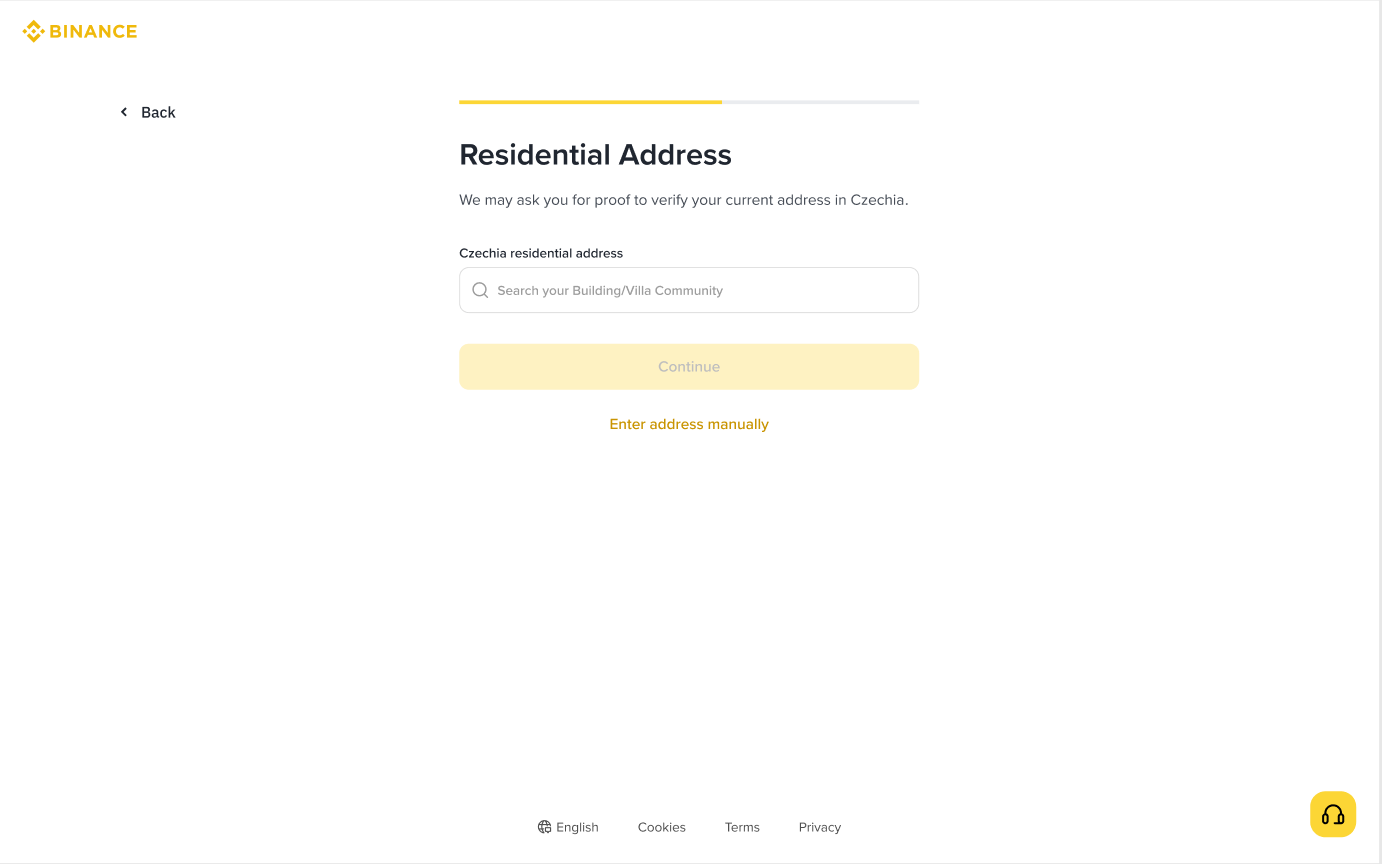
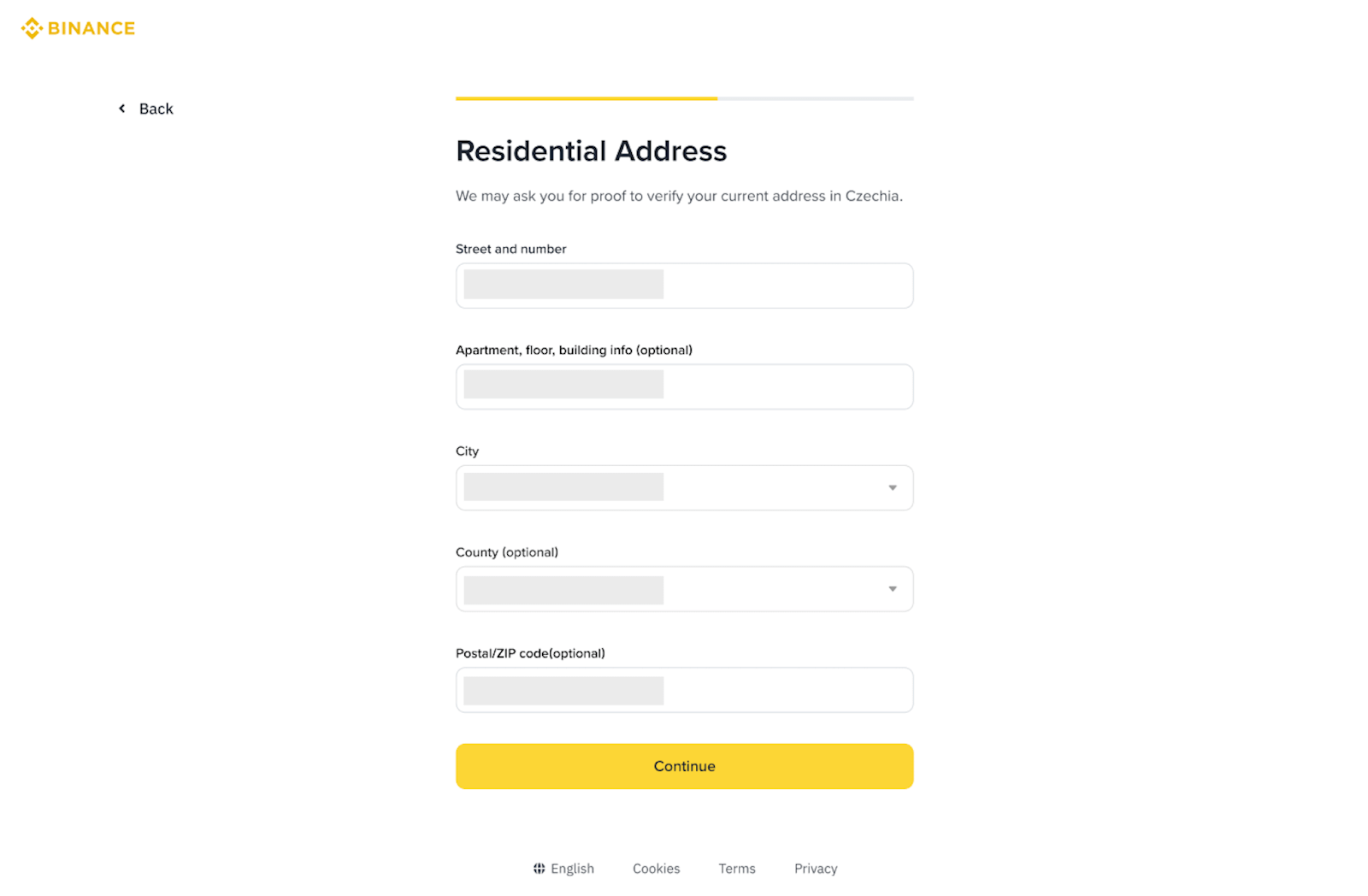
7. Next, you will need to answer some compliance questions.
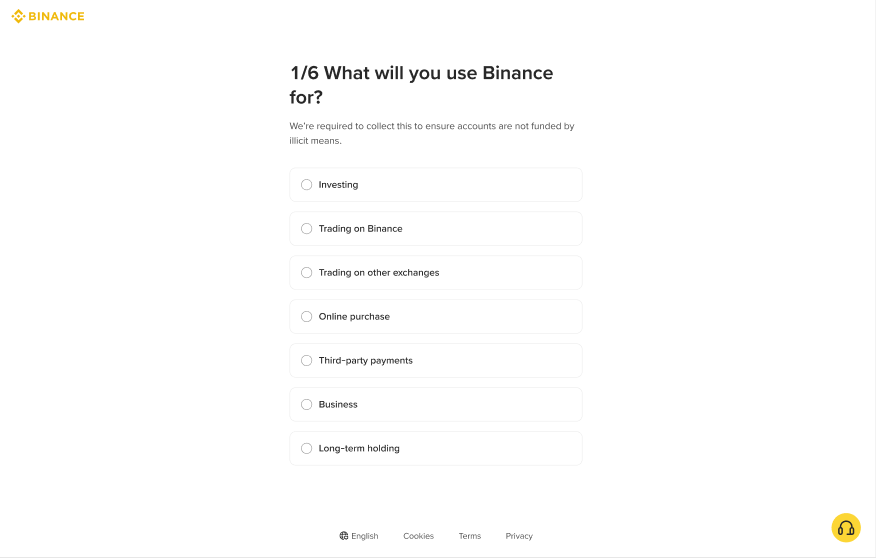
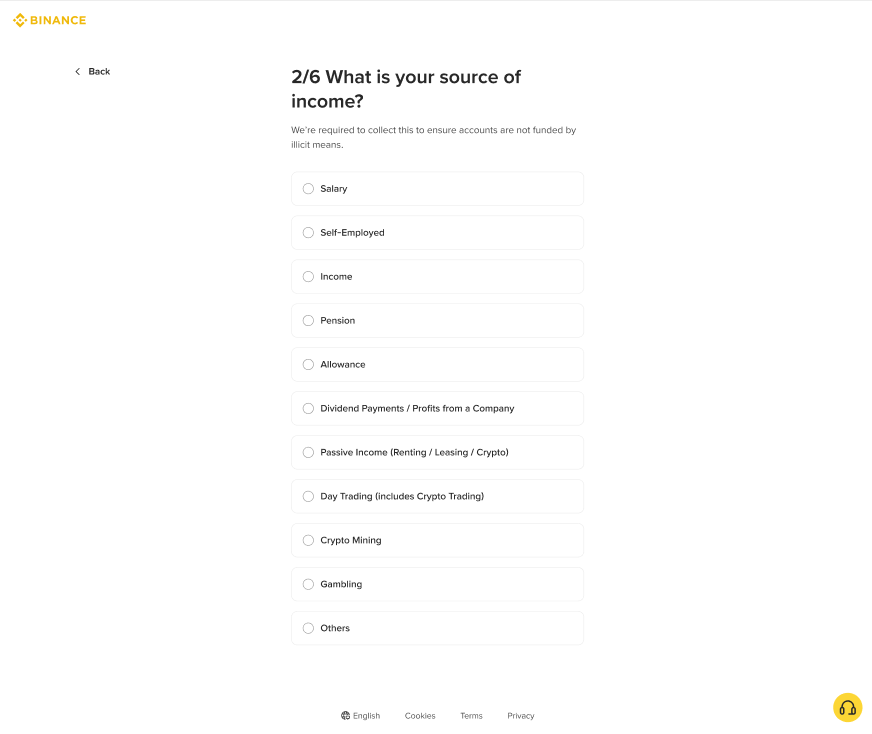
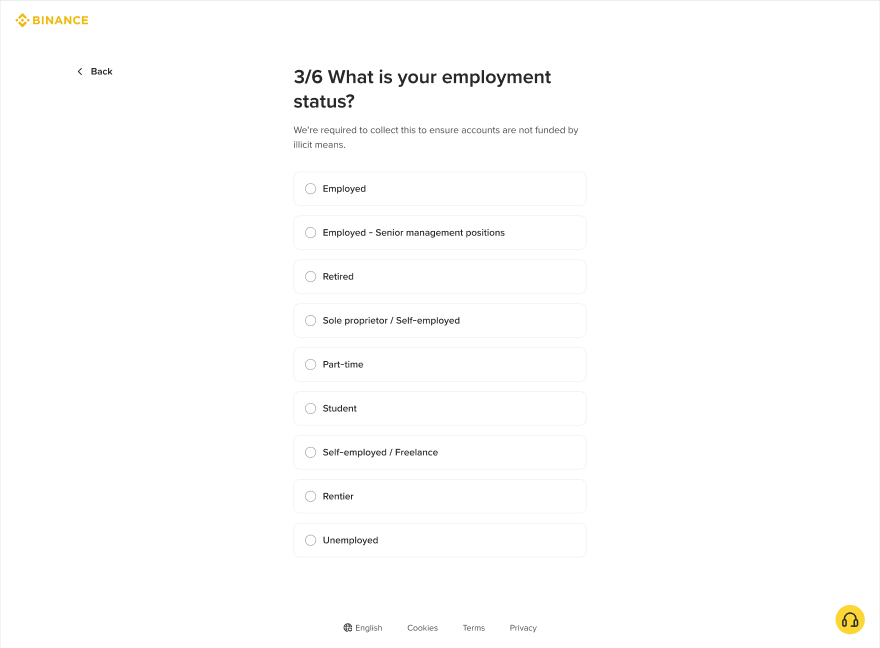
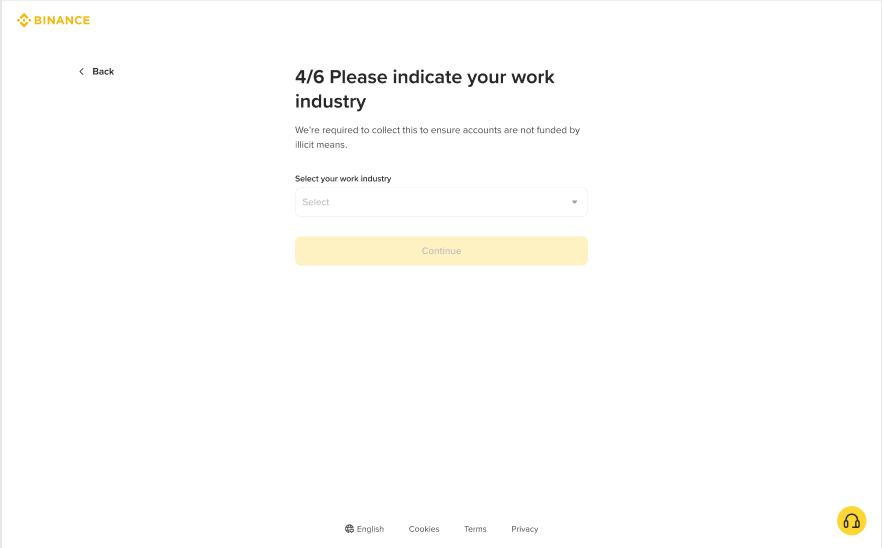
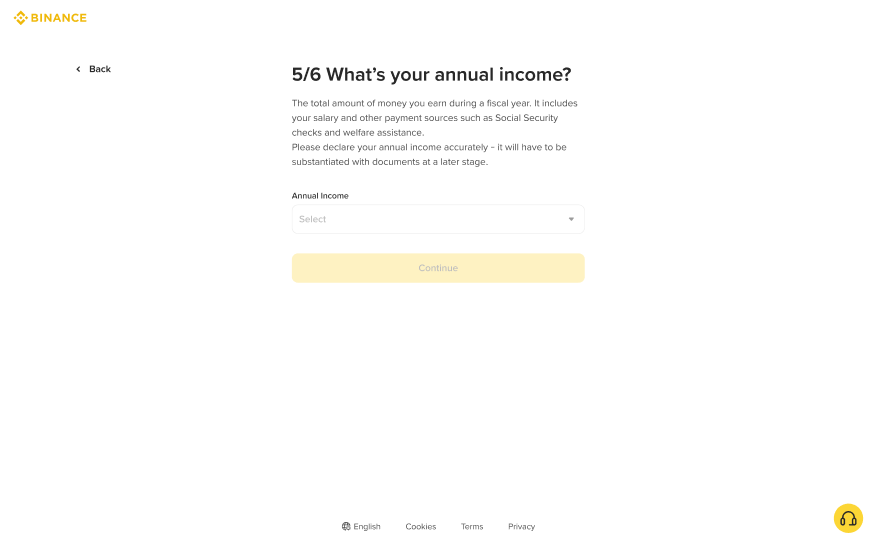
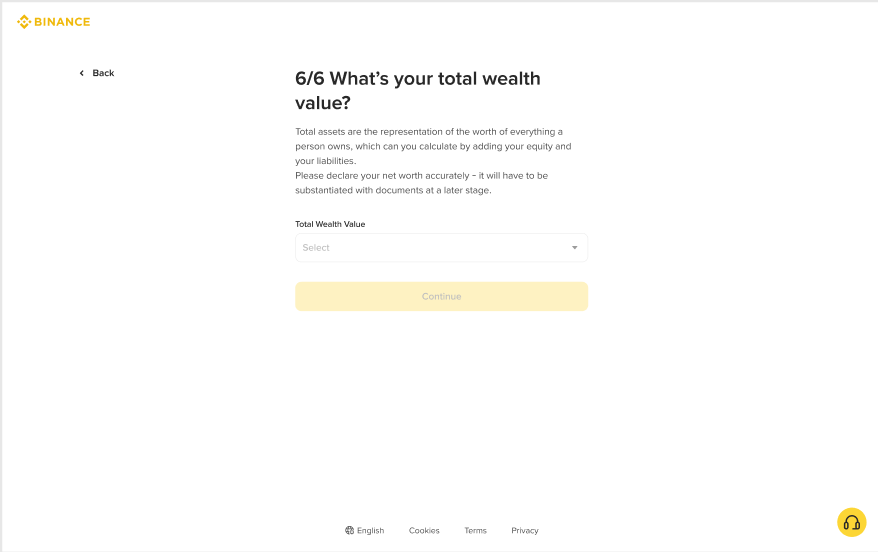
8. Binance will review your data in a timely manner. Once your application has been verified, we will send you a notification.
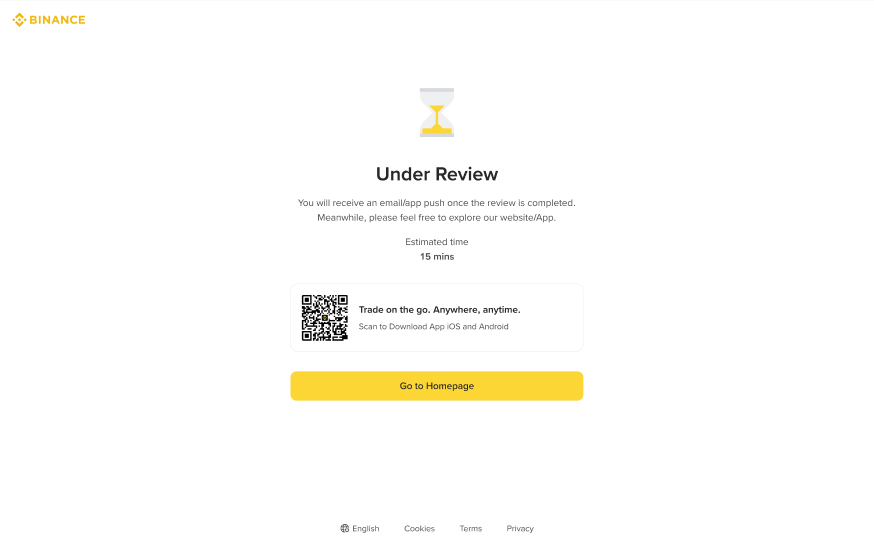
If your identity information has changed and one of the following conditions is met, you can go to the [Update Identity Verification] page to update.
You may also contact our customer service agents via Binance Support to update your information. Enter “How to update Identity Verification” and click the link [Click here to reset KYC] provided in the Customer Service response.
Reasons for updating your Identity Verification include:
1. The documents have expired;
2. The name on the document has changed;
3. The ID number on the document has changed;
4. The nationality has changed;
5. Update or replace your existing documents to meet specific fiat channels’ requirements;
6. Change the name to a system recognizable language (e.g., from local-language ID card to English-language passport);
7. Update documents to meet Binance Card requirements.
Please note:
Steps:
1. Go to the [Identification] page and click [Update Identity].
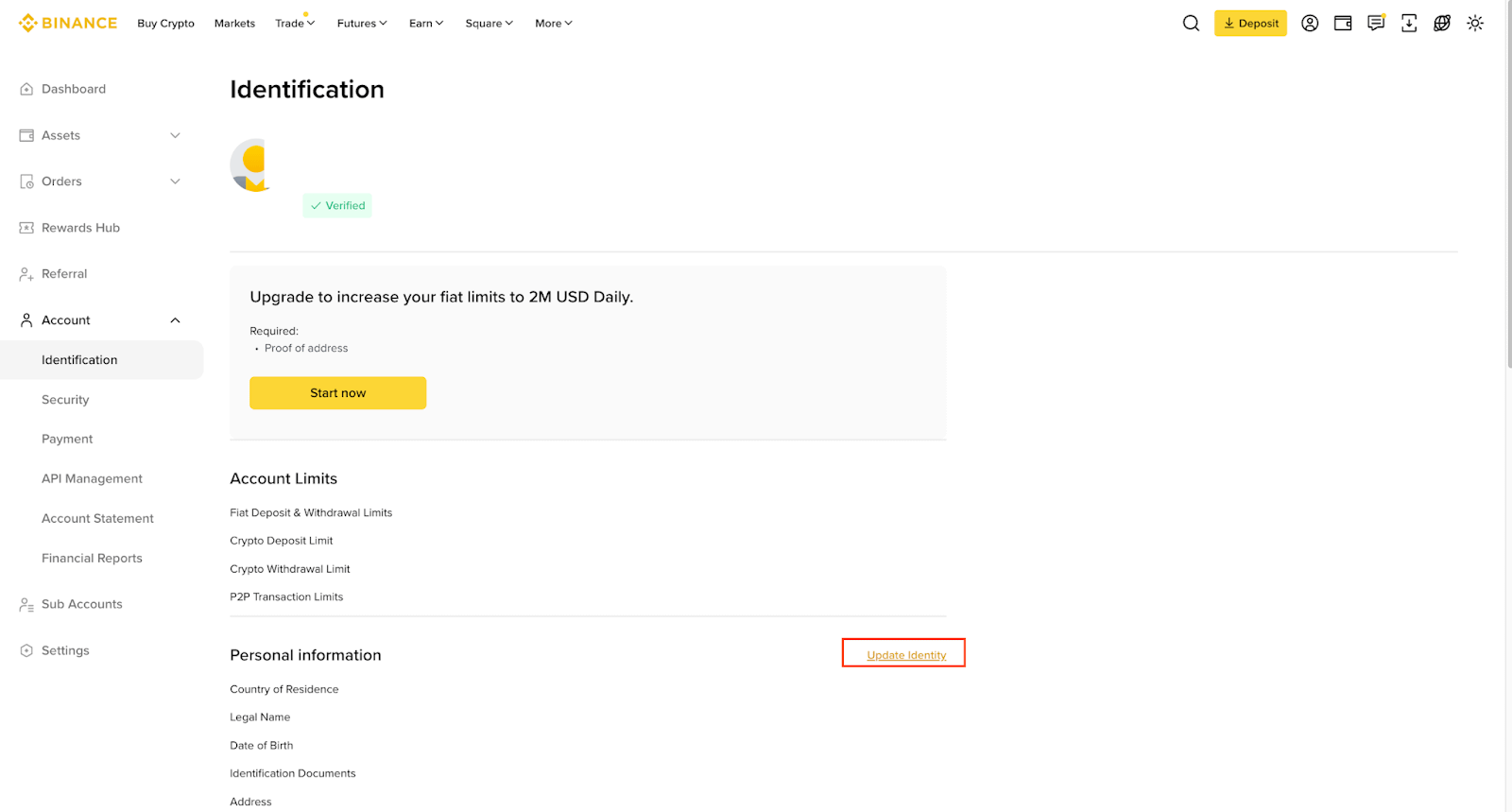
2. Select the reason for updating the account and click [Continue].
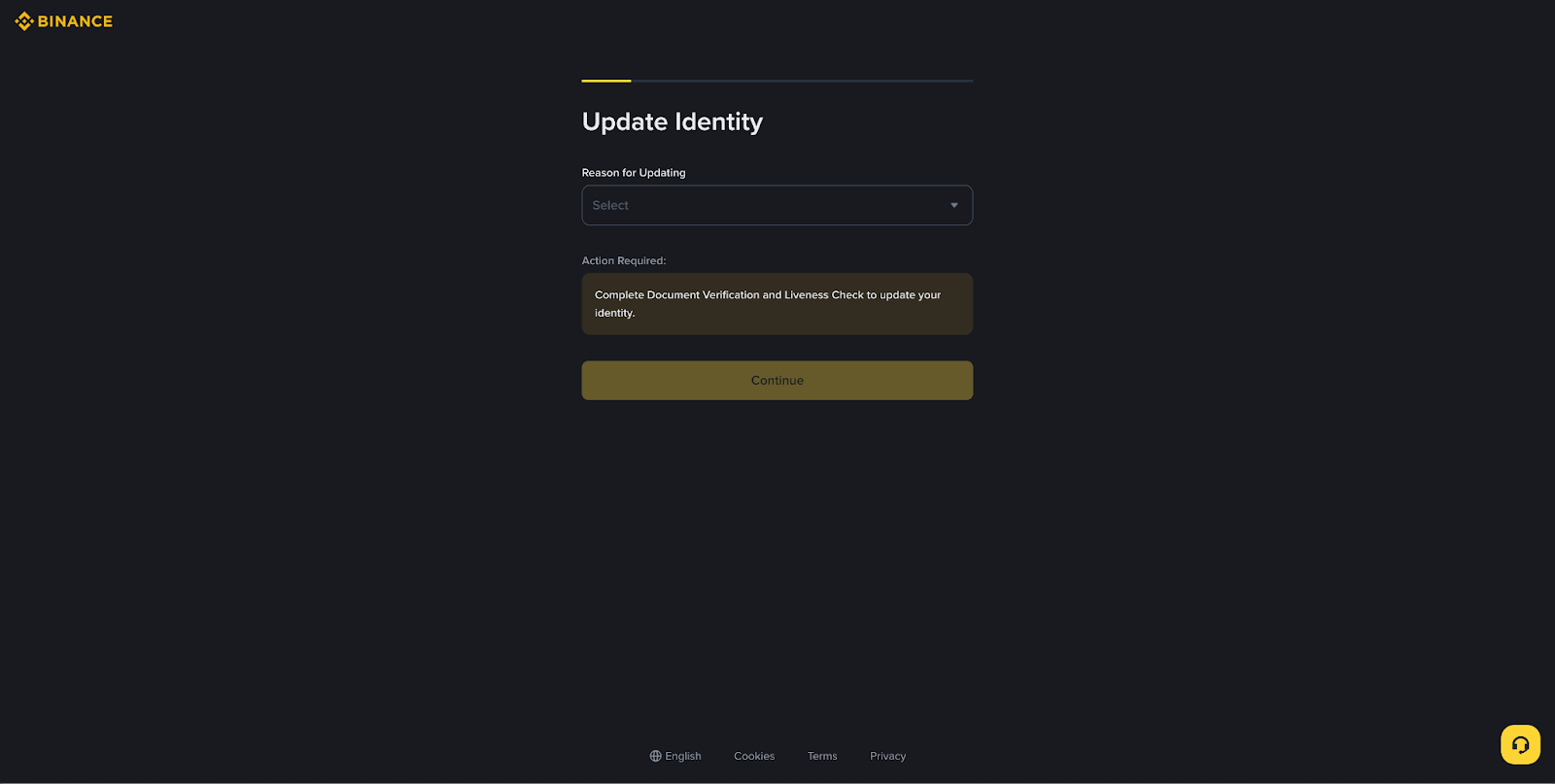
3. Select the document’s Issuing Country/Region, choose the document type that you would like to upload and click [Continue].
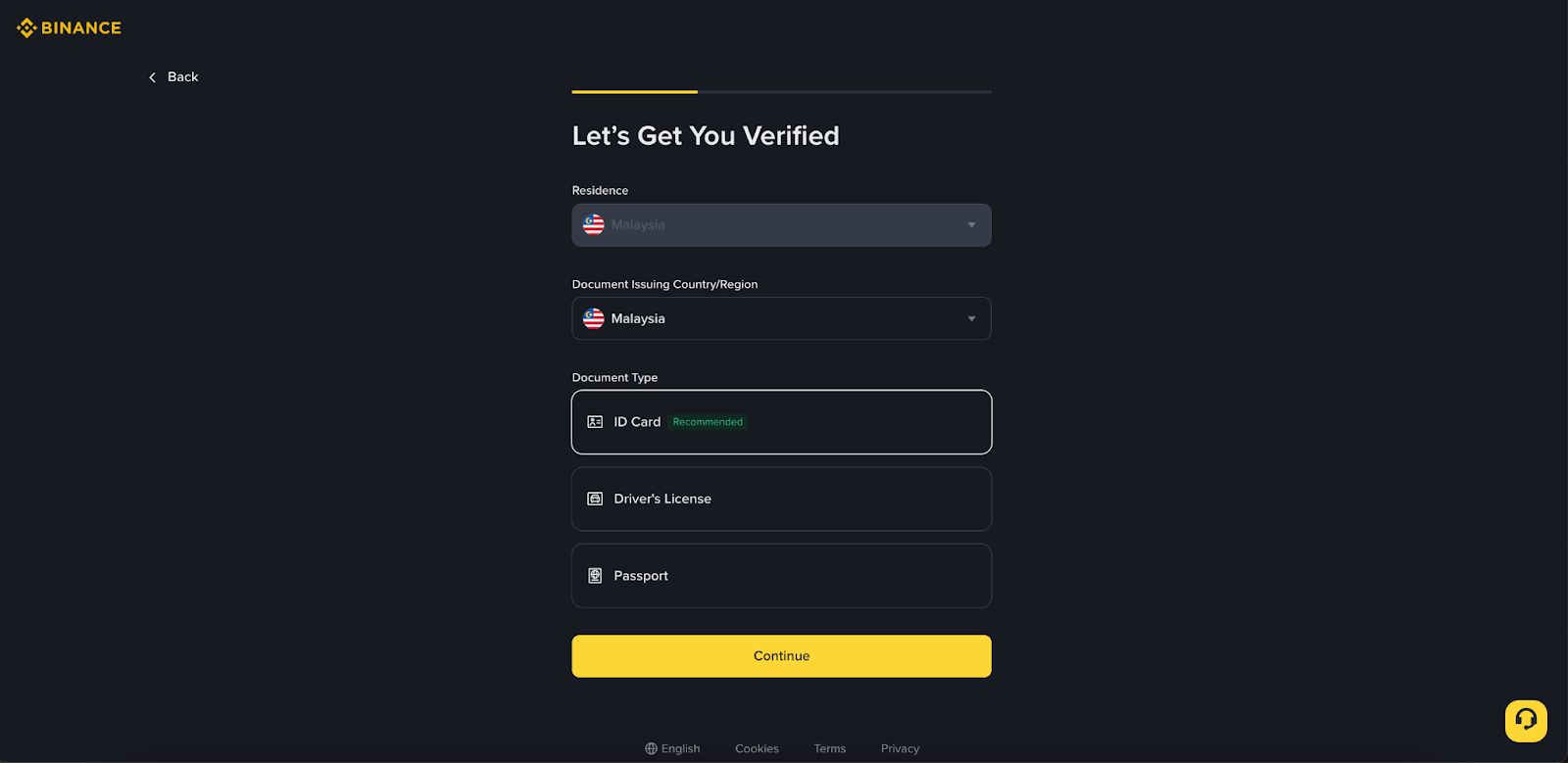
4. Follow the instructions to proceed and complete the process.
5. After the submission, please wait patiently for the system to process your update request. Once complete, you will receive an email notification.
