You can change the email registered to your Binance account by following the step-by-step guide below. Please note that after changing your email address, withdrawals, internal transfers and P2P transactions will be disabled for up to 48 hours for security reasons.
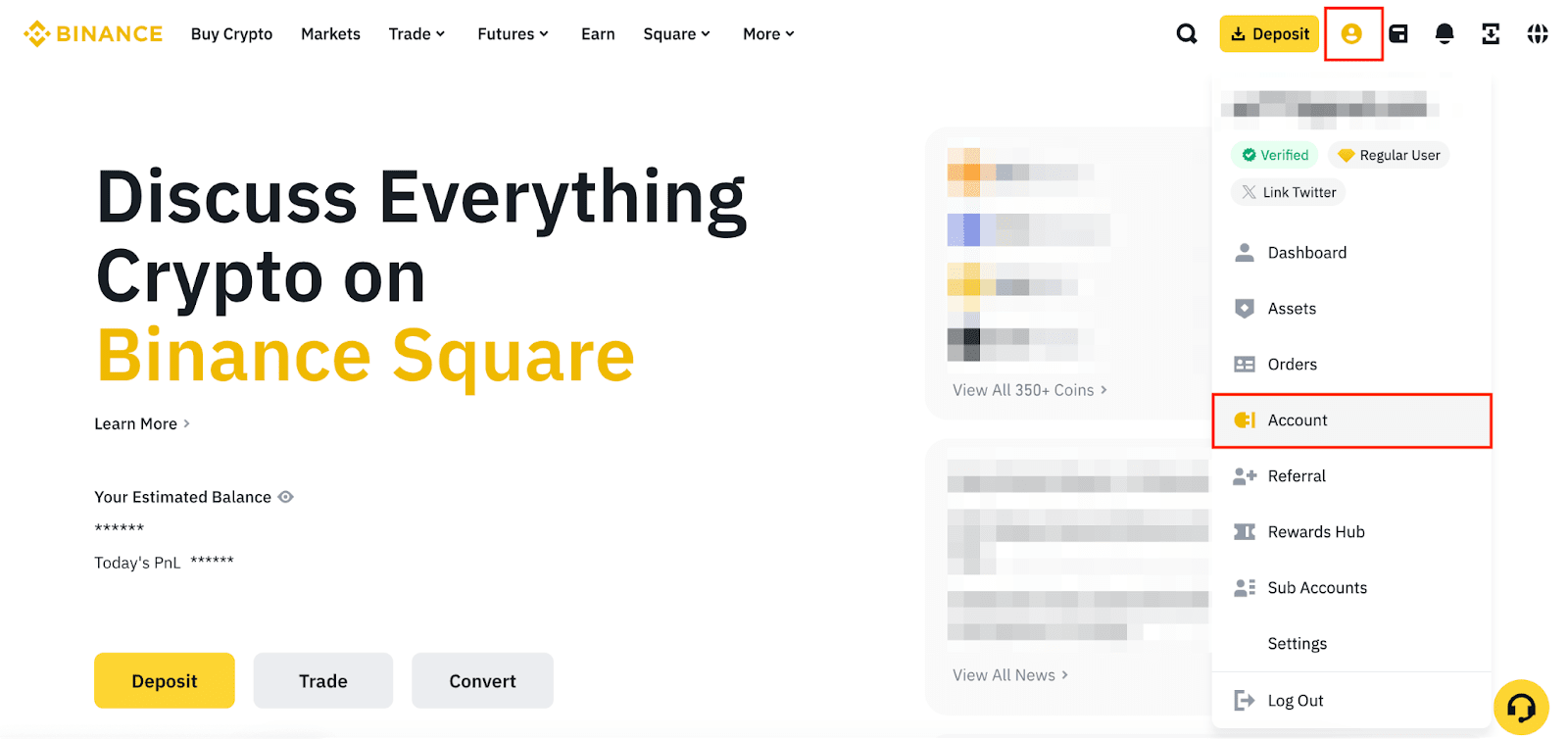
1. Log in to your Binance account and mouse over the [Profile] icon. Click [Account].
2. Go to [Security]. Click [Manage] next to [Email].

3. Click the [Edit] icon.

4. Read the notes carefully before proceeding.
Please note that after changing your email address:

5. Verify the request with your passkey or 2FA devices.

6. Enter a new email address and click [Get Code]. Enter the verification code received in your new email address and click [Submit].

7. Your email has been updated. Please note that withdrawals, internal transfers and P2P transactions will be disabled for up to 48 hours for security reasons.
