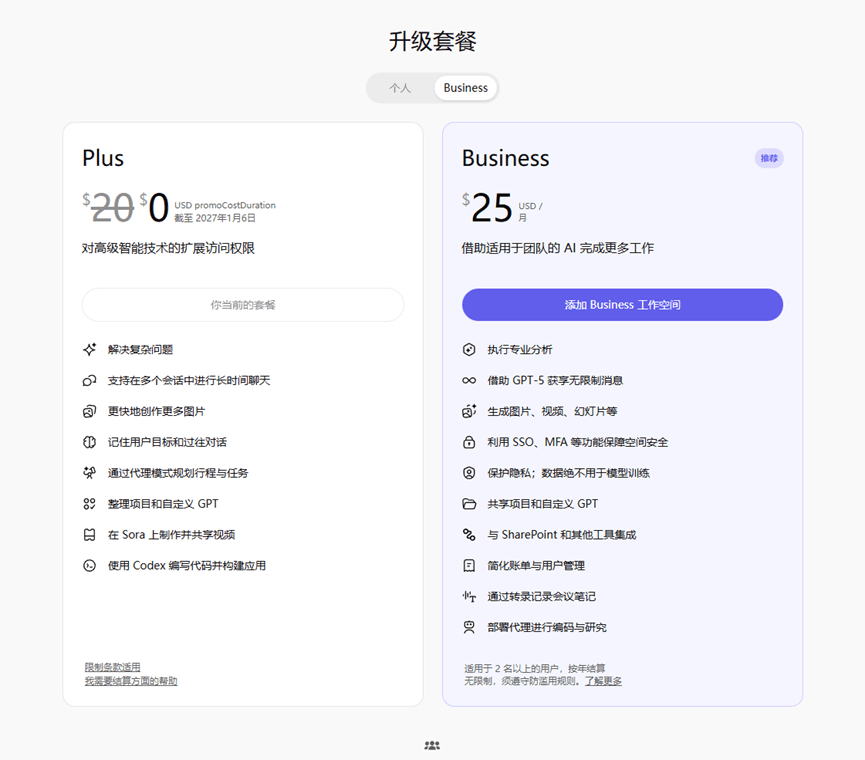
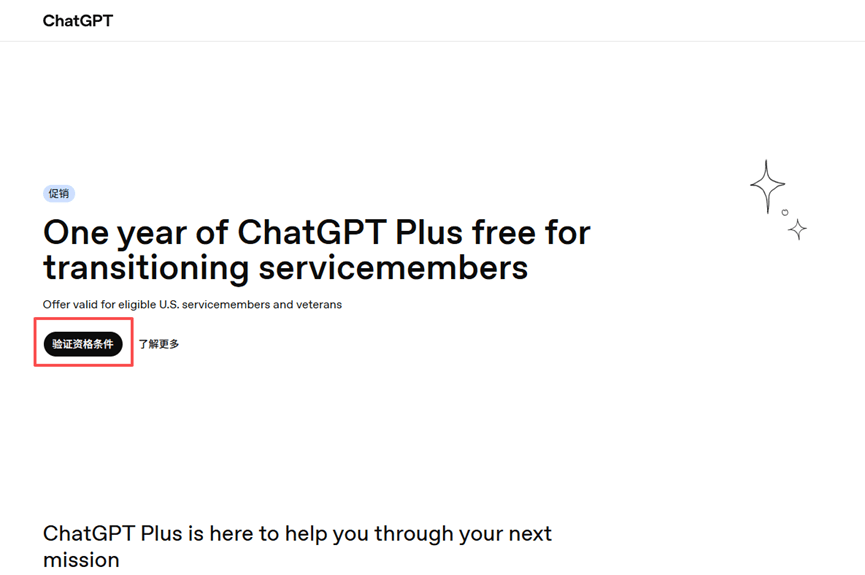
Step 1: Open the global proxy, log in to your ChatGPT account, open a new tab, and enter http://chatgpt.com/veterans-claim to access the eligibility verification page, then claim the discount, as shown in the image
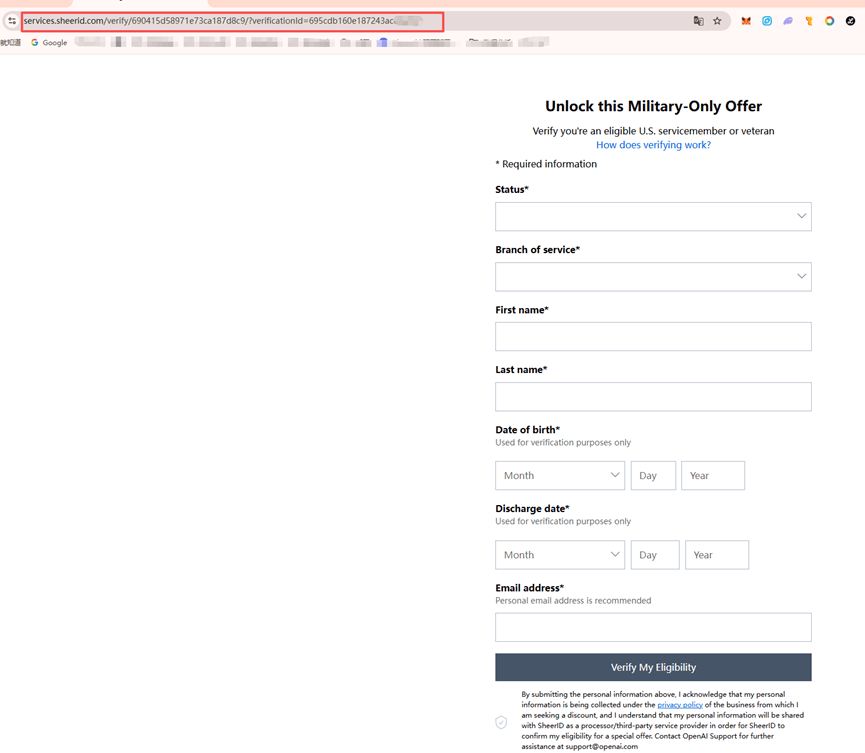
Step 2: Go to http://discord.gg/7mt422QN9Y to verify the link. Find the link in your browser, locate the 'Veteran's Exclusive Channel' on Discord, enter the link parameters as shown in the image, and confirm success. Note that the current verification demand is extremely high, so please try multiple times. If you fail more than three times, restart from the beginning to get a new link. I personally succeeded after trying twice
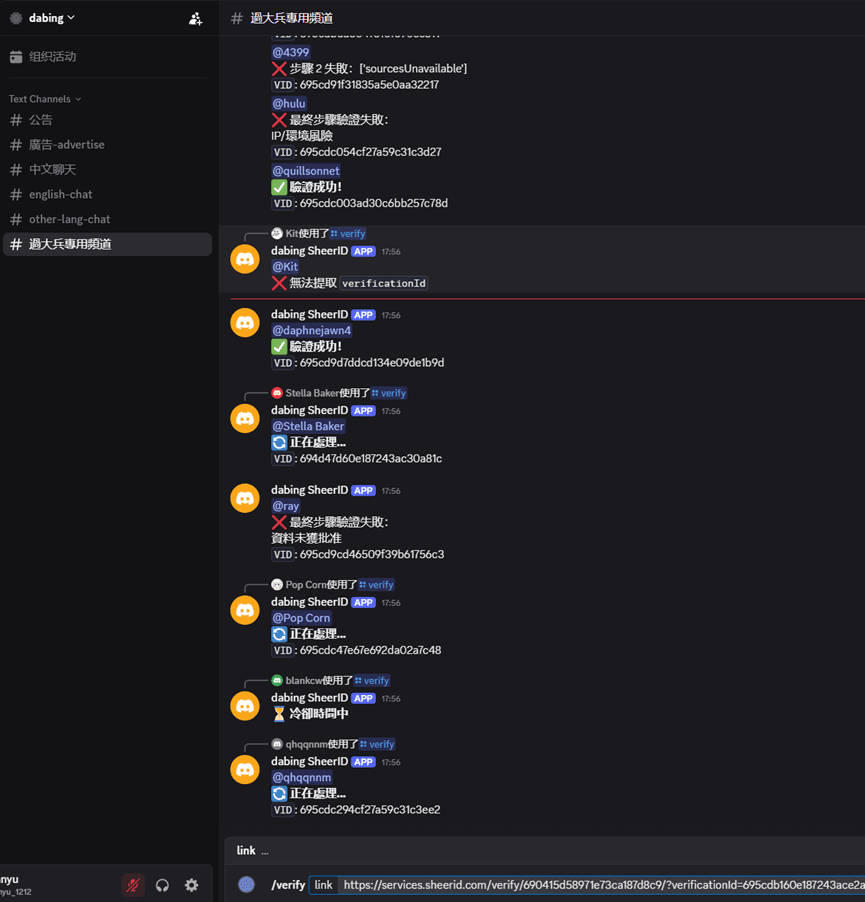
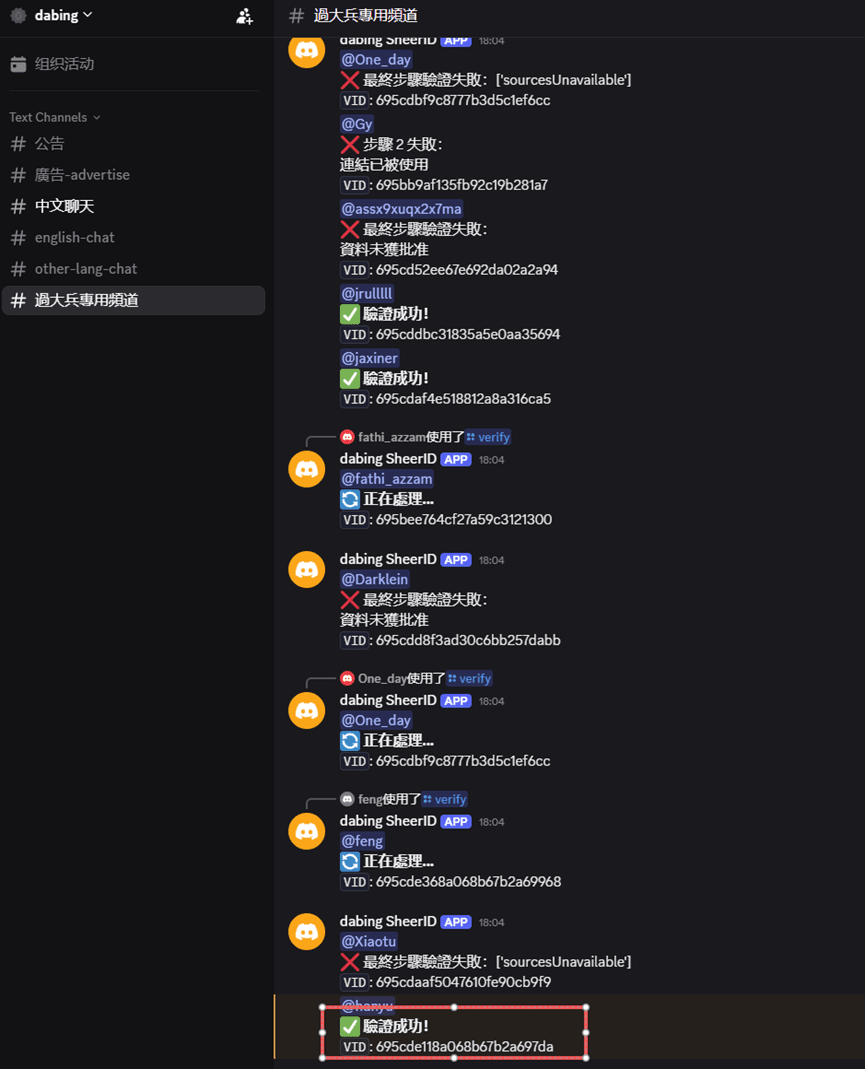
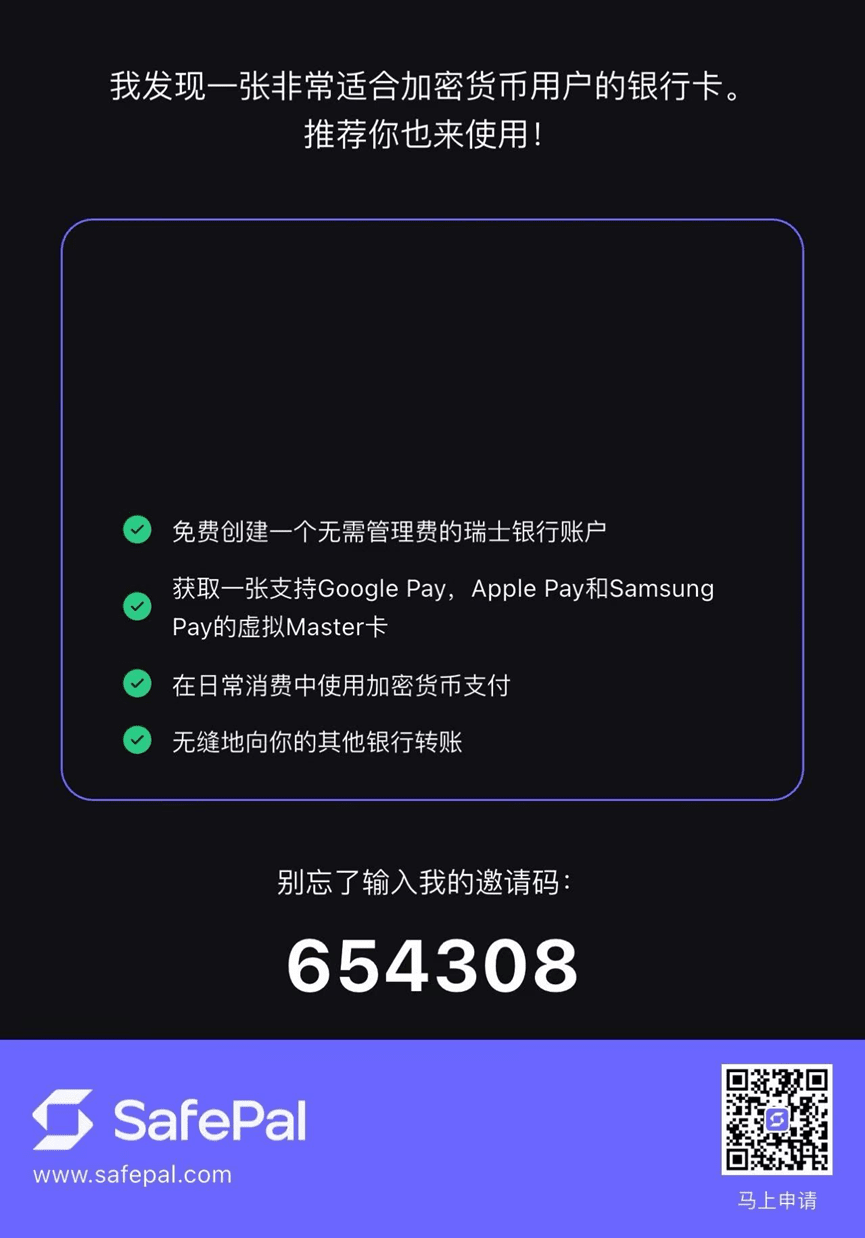
Step 3: After successful DC verification, you can claim the discount and fill in the payment information. You can use Bitget or Safepal's U-card here, or any other U-card will work. I personally use Safepal. Note that the billing address must be set to the United States. If you don't know how to do it, just search on Google. Once you've filled in your account and billing information, follow the steps accordingly, as shown in the figure below
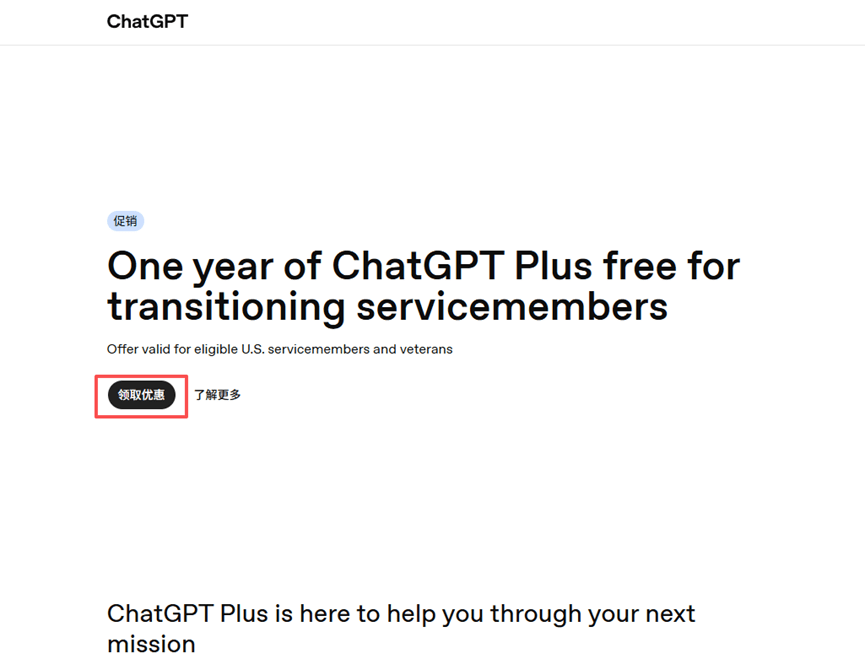
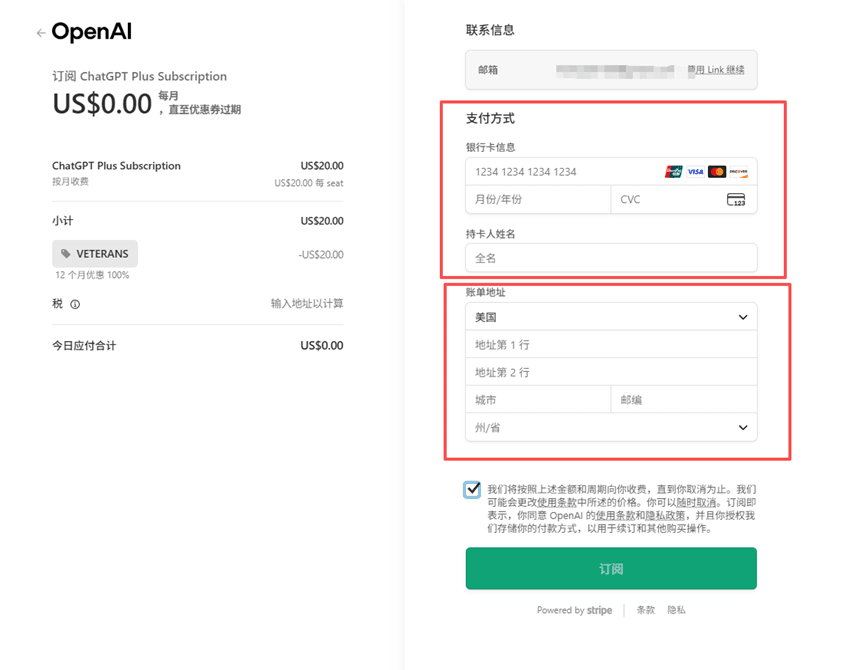
Step 4: Mission accomplished! After receiving the success notification, simply check your own ChatGPT page. One thing to note: if your PC keeps showing bank card rejection, try sending the payment link to your mobile browser. Make sure your proxy is set to global mode. Ideally, your IP should be from the United States for higher success rate. If you don't have a U-card, you can register using my Safepal link—it works quite well. I also use this same U-card for my Gemini account